Problem:
I have made two variable fonts - regular and italic. Both have four masters and nine instances. I want both fonts as one family. When I put just one in InDesign font folder each one works perfectly, when they are together the problem starts. What should I do to make them work together in InDesign/Illustrator/etc.?
Solution:
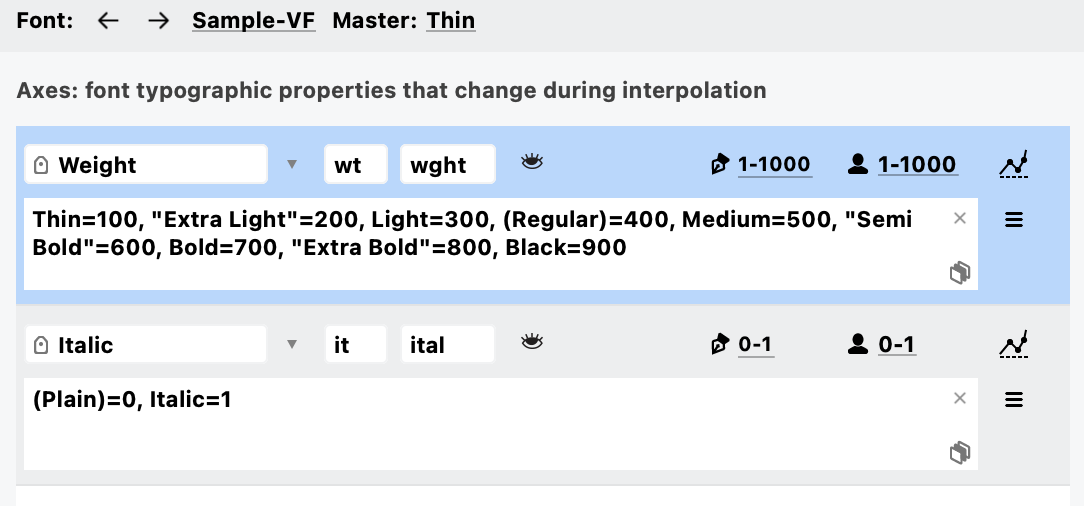
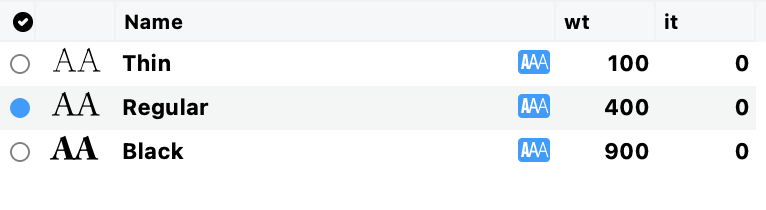
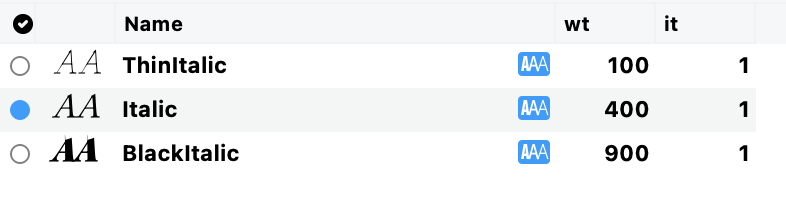
Let's take two VFC files Sample-VF.vfc and Sample Italic-VF.vfc. Each includes 3 weight masters and each must include the Italic axis:
Masters in Sample-VF.vfc:
 Masters in Sample Italic-VF.vfc:
 Export two var fonts from FontLab using File > Export Font As...:
Sample-VF.ttf and Sample Italic-VF.ttf
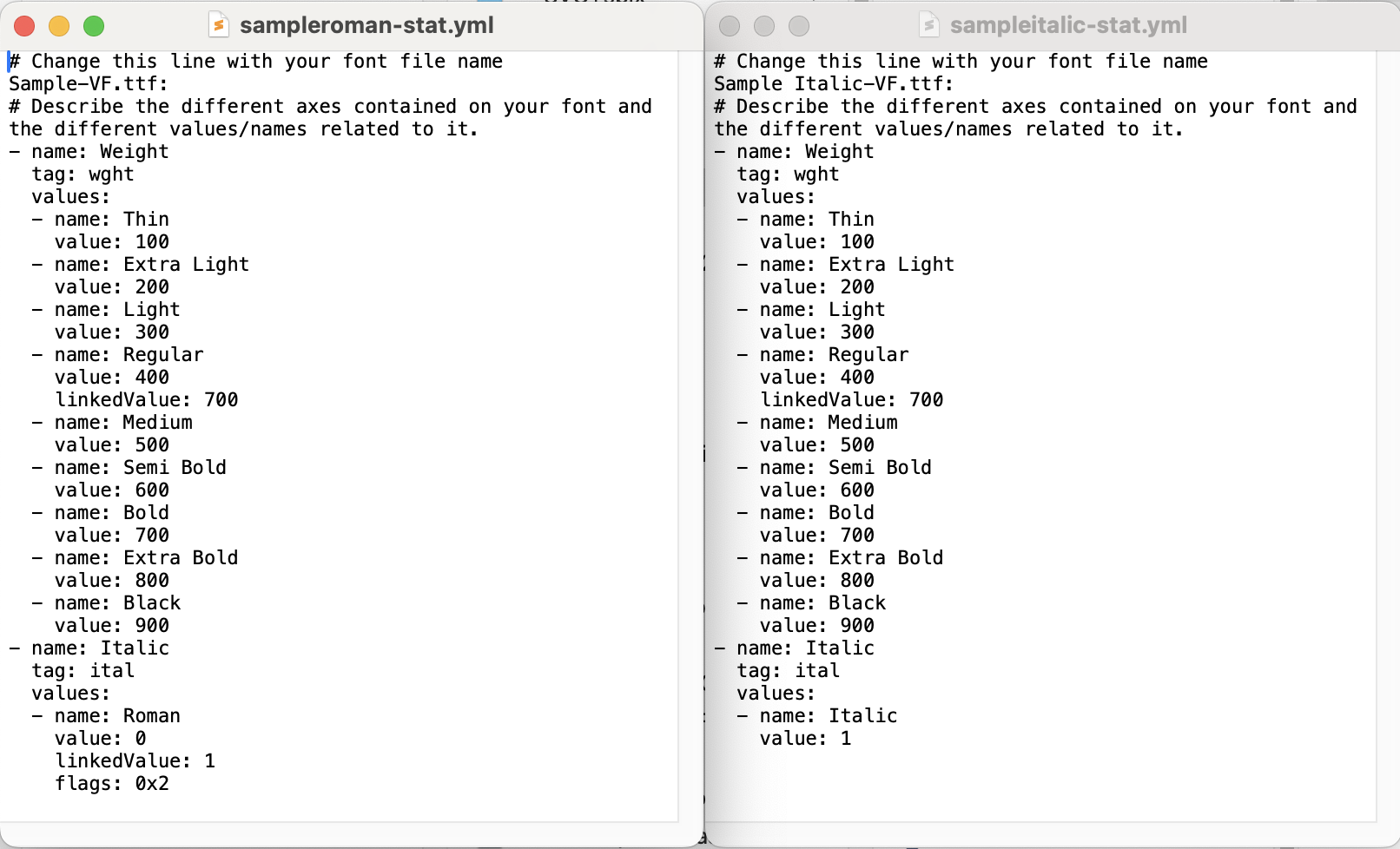
Prepare two yml files that will be used to compile new STAT tables: sampleroman-stat.yml and sampleitalic-stat.yml. You can use any text editor:
Now open the Terminal window.
Run the following command to install Google Font Tools:
pip install gftoolsAfter 'gftools' is installed successfully run the following command for your upright font:
gftools gen-stat [location of Sample-VF.ttf] --src [location of sampleroman-stat.yml]and the same for your italic font:
gftools gen-stat [location of Sample Italic-VF.ttf] --src [location of sampleitalic-stat.yml]You should get two new files with fixed STAT table that will work together in Adobe apps. Here is how this looks in the Terminal window:
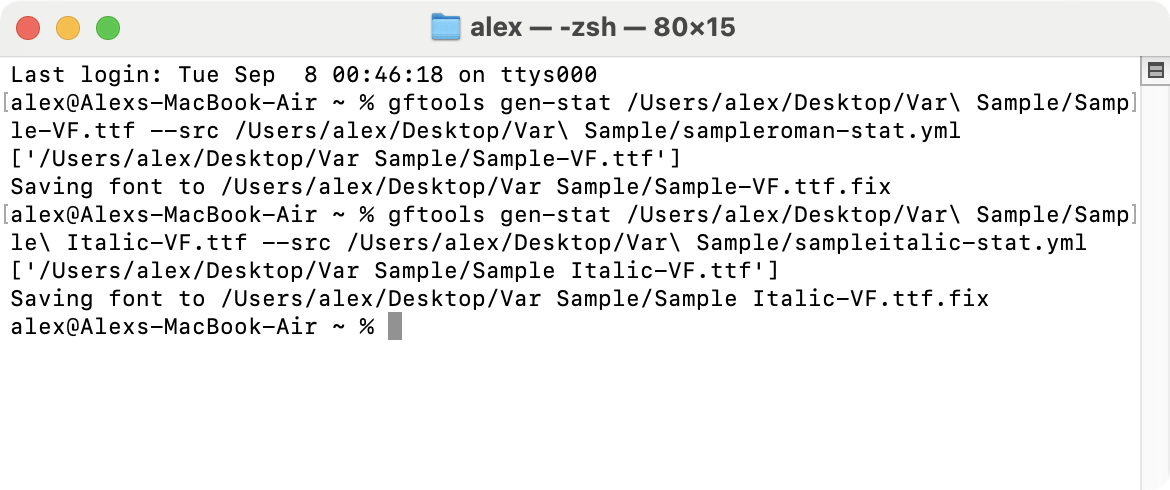
Sample files are attached.
Was this article helpful?
That’s Great!
Thank you for your feedback
Sorry! We couldn't be helpful
Thank you for your feedback
Feedback sent
We appreciate your effort and will try to fix the article